Stack
Node + TypeScript
Model
Grok (xAI)
Format
Tutorial + reference
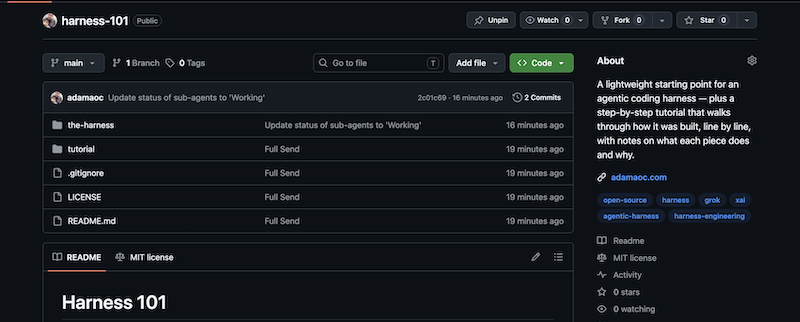
I open-sourced a lightweight agentic coding harness and a full tutorial that walks through how to build it yourself — line by line, with notes on what each piece does and why. If you have been stuck between high-level agent diagrams and black-box tools, this is the concrete middle ground.
The gap
Most agent guides stop at the diagram
Give the model tools, loop until done — that explanation is accurate and almost useless when you are wiring your first harness. The hard part is memory, permissions, logging, and knowing which file to open when something breaks.
What this creates
Harness 101 is built around the wiring, not the pitch deck.
Two paths
Clone the reference or type every line yourself
The repo ships a runnable harness in `the-harness/` and a static HTML tutorial in `tutorial/`. You can run the finished copy while you learn, or follow Phases 00–08 and build `my-ts-agent` from scratch with an explanation sidebar beside every snippet.
What this creates
Same architecture either way — the tutorial is the lesson, the harness is the proof.
Teaching scope
Small on purpose, honest about limits
No web UI, no plugin system, no multi-provider routing. Node, TypeScript, the OpenAI SDK pointed at Grok (xAI), and a REPL loop you control. Compaction, diffs, sub-agents, and three profiles are included — plus a backlog of sensible next steps when you outgrow the basics.
What this creates
A harness you can read in an afternoon and extend for months.
What you get
A harness you can run today and a tutorial you can type through tomorrow.
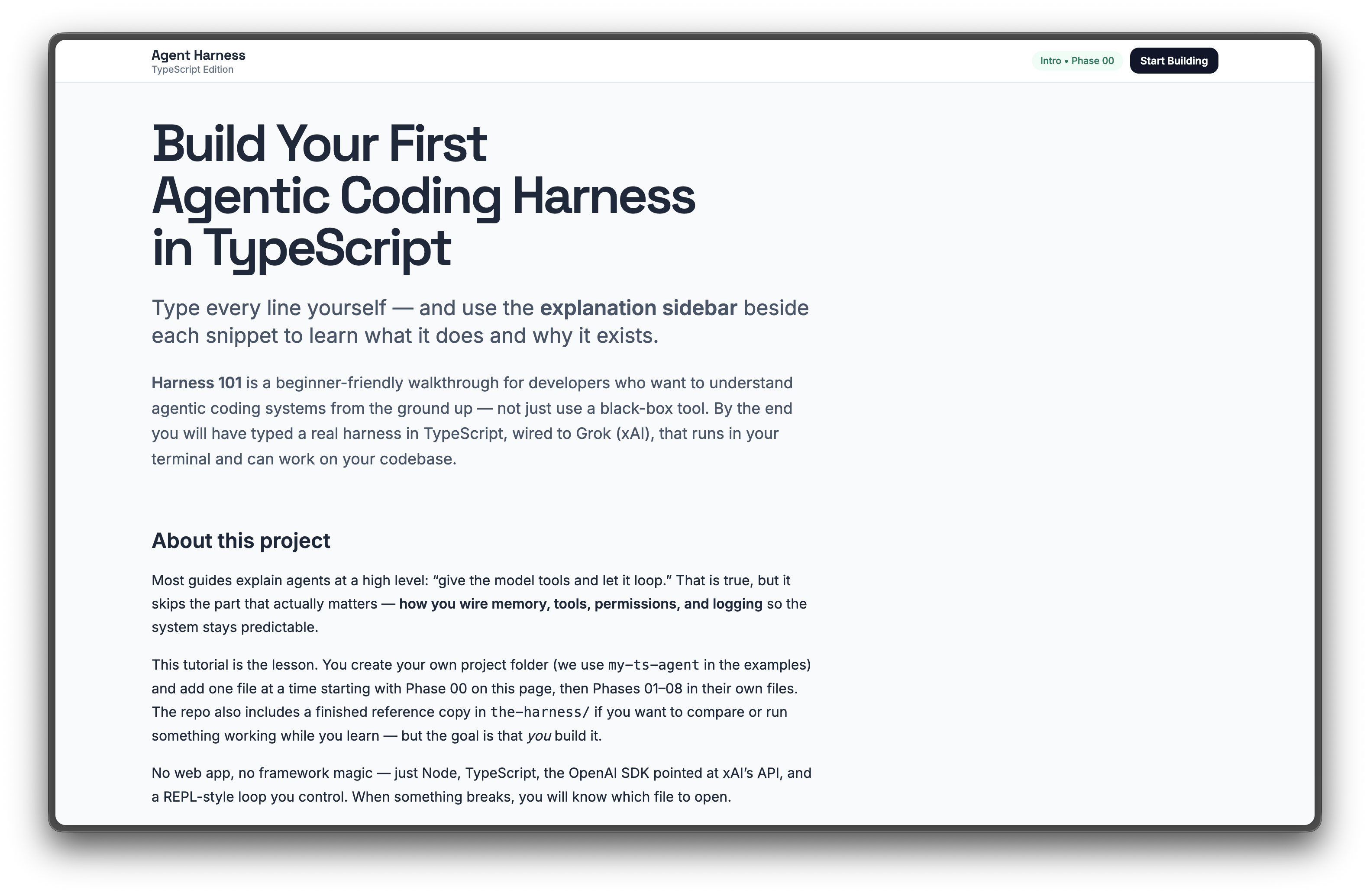
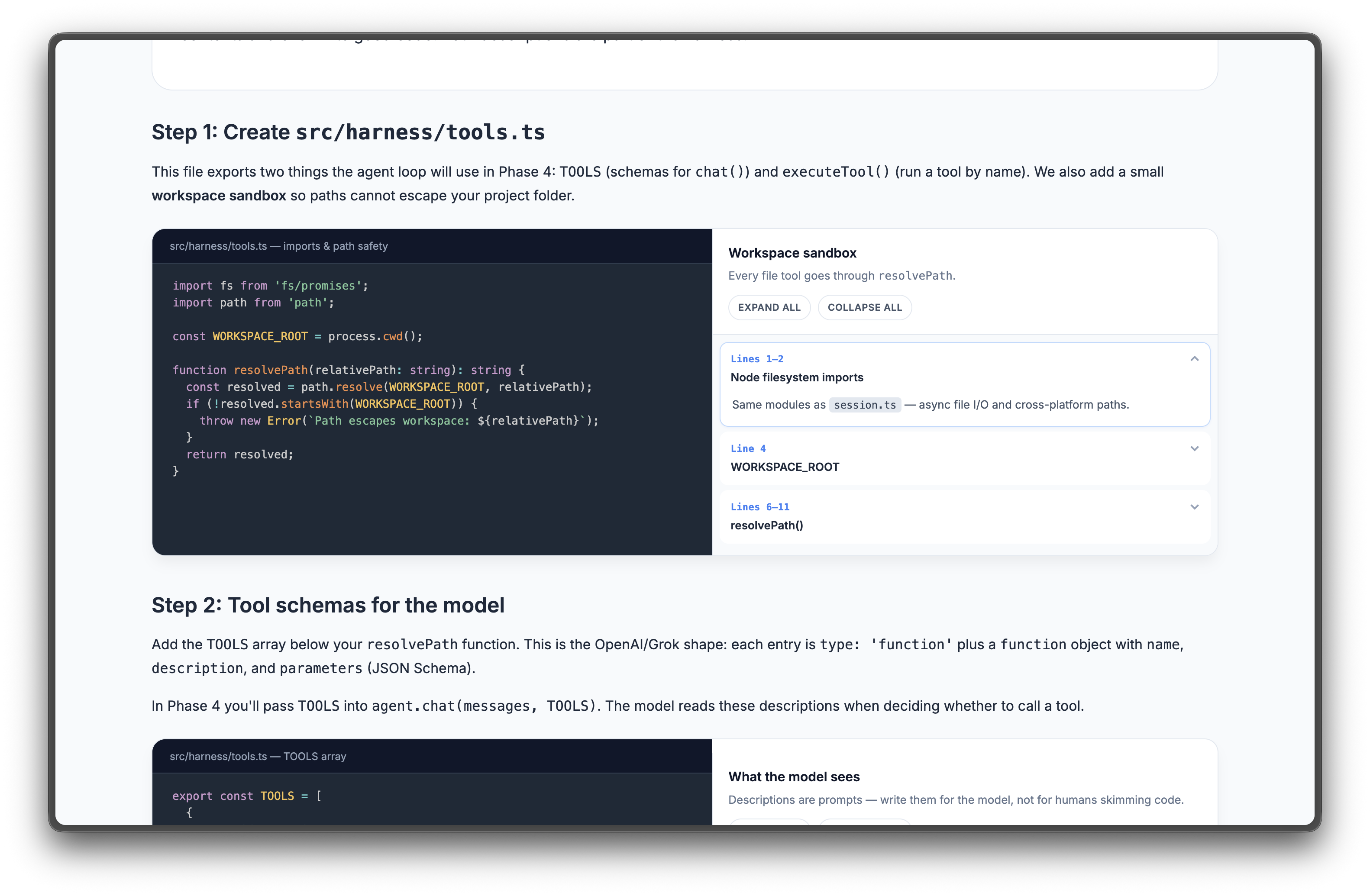
The reference copy in `the-harness/` is a small TypeScript project: Grok over the OpenAI-compatible API, filesystem tools, session persistence, and three behavioral profiles. The tutorial is static HTML — open `tutorial/index.html` in a browser and follow Phases 00–08 with collapsible explanation sidebars beside every code block.
Tutorial path
Nine phases from empty folder to working agent.
Phase 00 sets up the project. Early phases wire session storage, the Grok client, and the REPL. Middle phases add tool schemas, path permissions, and profiles. The capstone modules cover compaction, unified diffs on writes, and sub-agent delegation.
Quick start (reference harness)
cd the-harness
cp .env.example .env
# XAI_API_KEY=your_key_here

npm install
npm start

# Optional: run a read-only planning pass
AGENT_PROFILE=planner npm start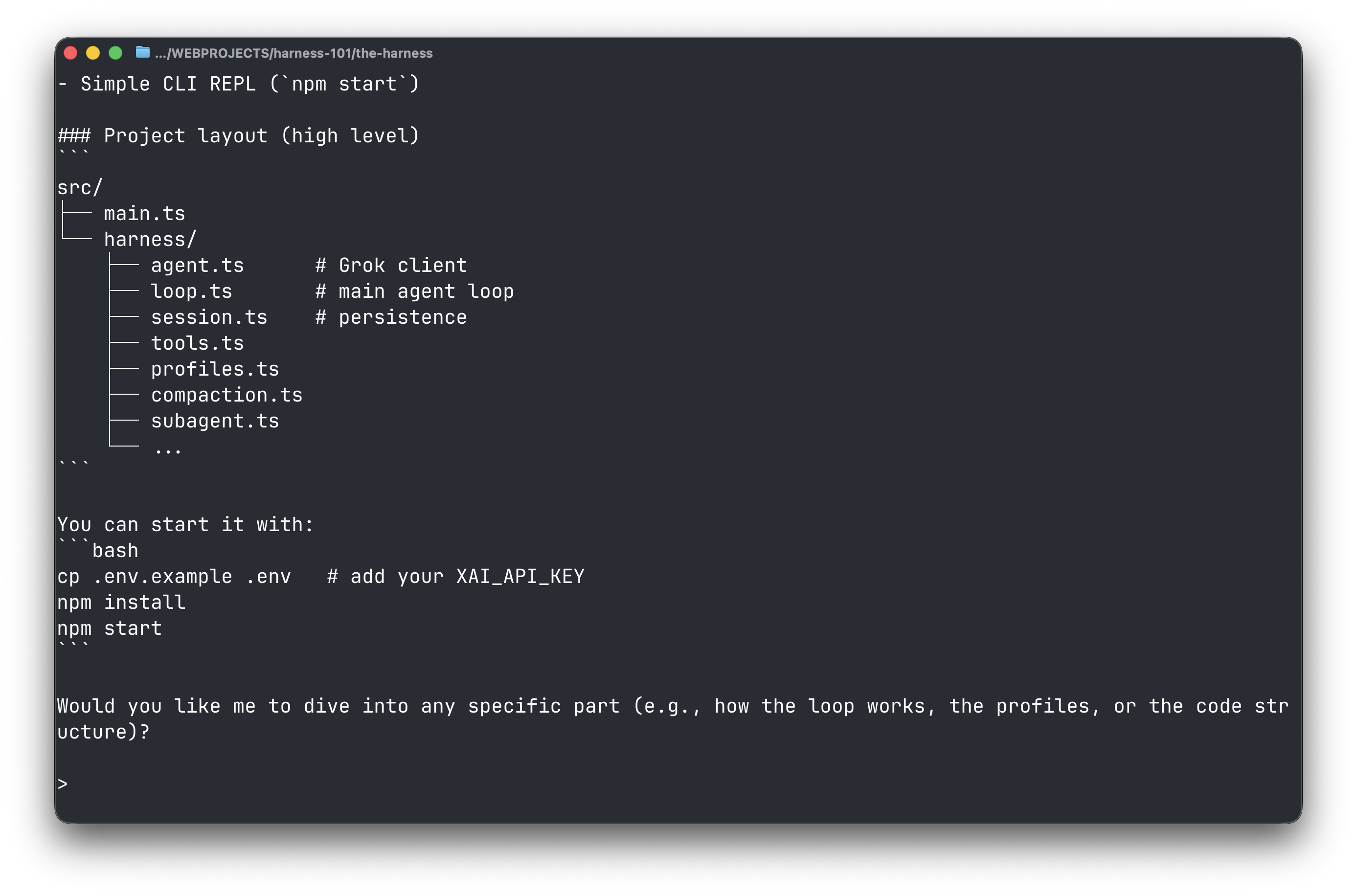
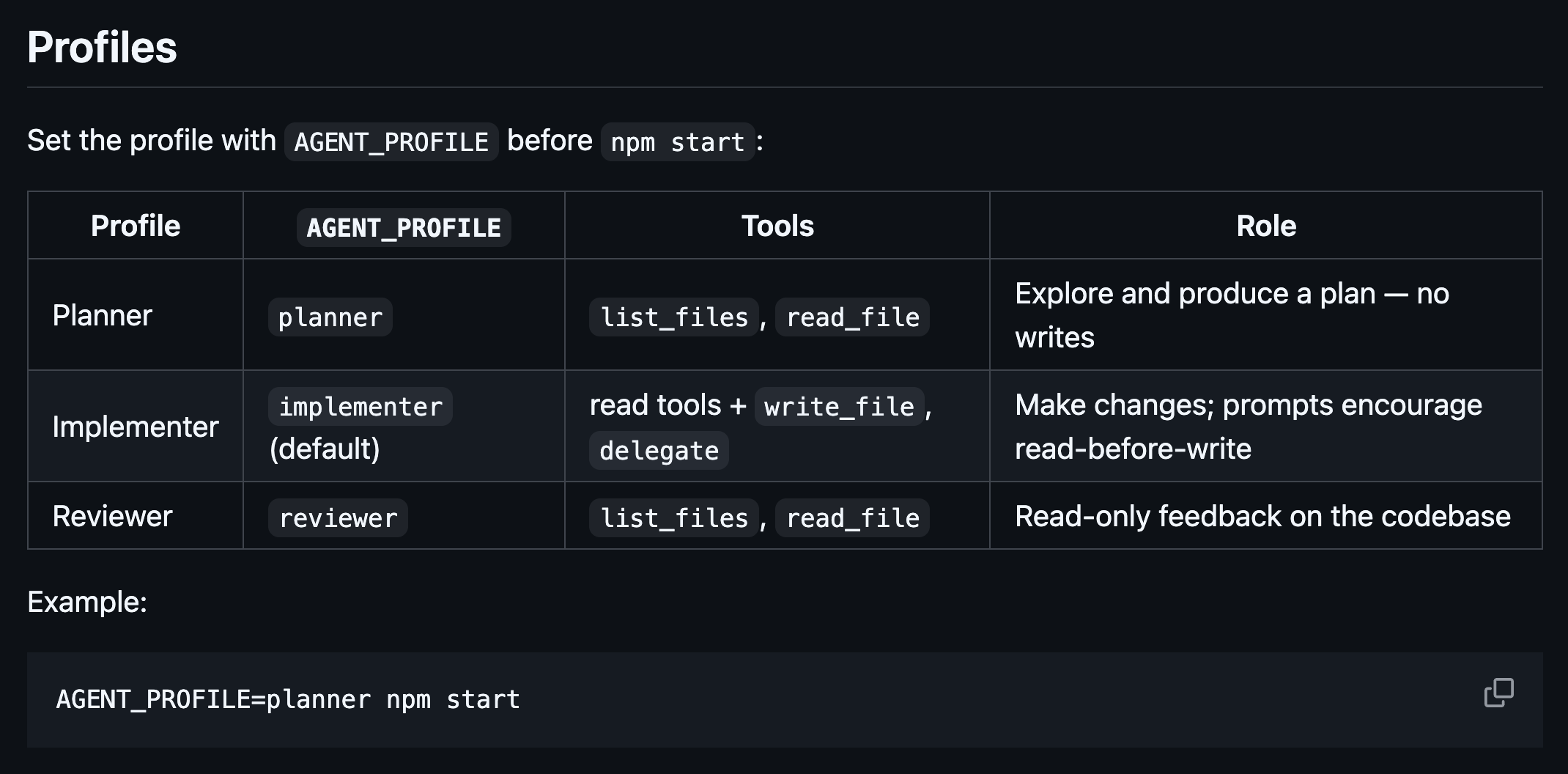
Profiles
Same loop, different permissions and system prompts.
Serious coding agents often separate planning, implementation, and review. Harness 101 bakes that in with three profiles — each with its own tool allow-list and system prompt. Run planner first, paste the plan into an implementer session, then switch to reviewer for a read-only pass.
Planner
AGENT_PROFILE=planner
Explore the codebase and produce a plan — no writes.
Tools
list_files, read_file
Implementer
default
Make changes. Prompts encourage read-before-write.
Tools
read tools + write_file, delegate
Reviewer
AGENT_PROFILE=reviewer
Read-only pass over the codebase for feedback.
Tools
list_files, read_file
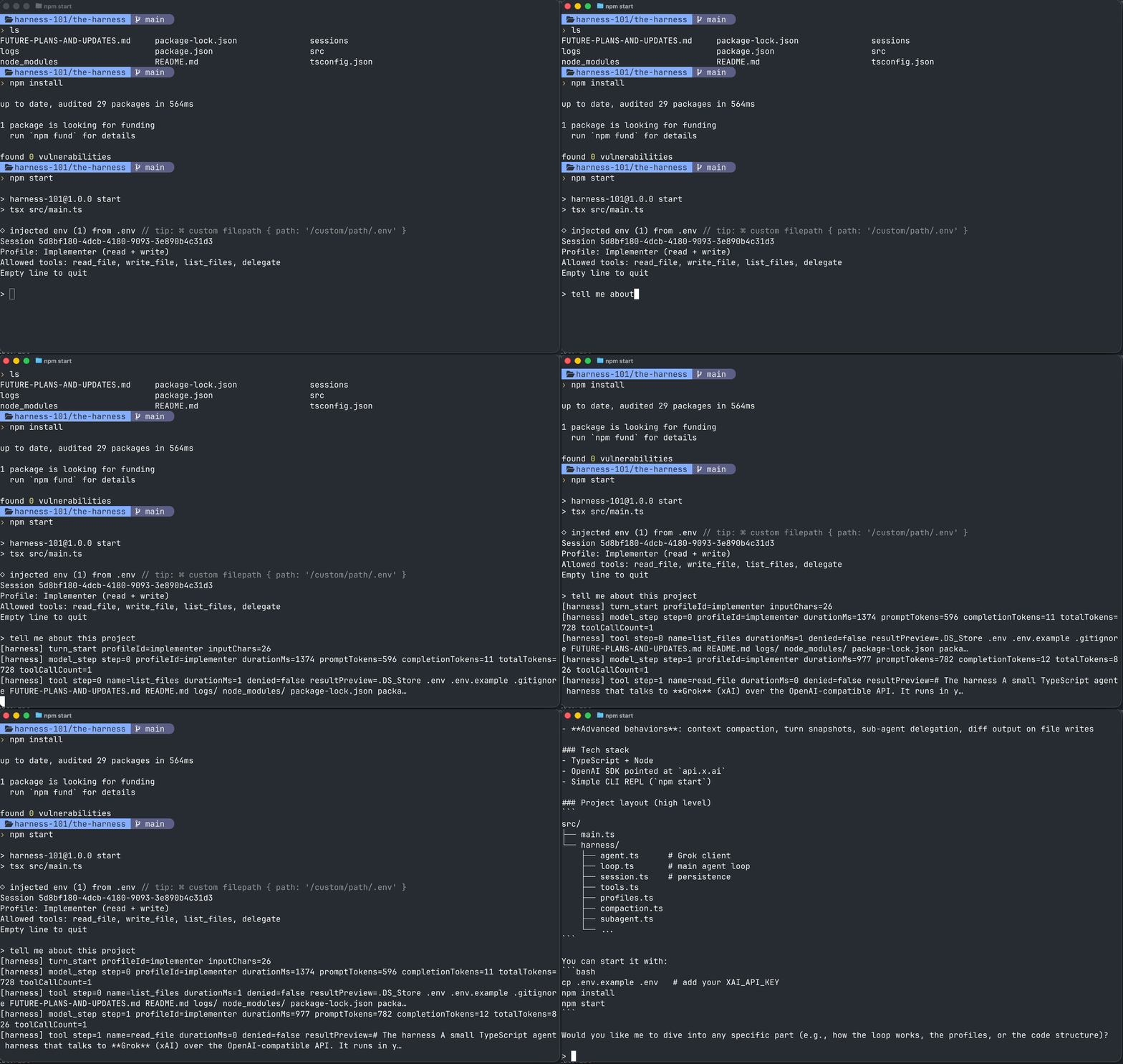
Terminal REPL
Prompt at `> `, empty line to quit. Session id, active profile, and allowed tools print at startup.
Three profiles
Planner (read-only), Implementer (read + write + delegate), Reviewer (read-only feedback). Switch with `AGENT_PROFILE`.
Agent loop
Up to 25 steps per turn: model → tool calls → tool results → repeat until the model returns text without tools.
Durable sessions
Full message history in `sessions/*.jsonl`. Hidden rows for compaction and turn snapshots stay on disk but drop out of API calls.
Sub-agents
The `delegate` tool spawns a short-lived planner or reviewer in a child session — one turn, own log files.
Structured logging
Harness events in `logs/*.jsonl`: turn boundaries, model steps, tool calls, compaction — plus short previews on the console.
Turn lifecycle
What happens between your prompt and the final reply.
Compaction may run before the loop if visible messages exceed the threshold. Each loop step records a hidden turn snapshot. Tool results flow back to the model until it stops calling tools. Writes return a unified diff so you can see what changed without opening the file first.
One user turn
You type a prompt
  → maybeCompact (summarize old context if thread is long)
  → runTurn loop (model ↔ tools, up to 25 steps)
  → turn snapshot hidden on each step
  → final reply printed; sessions/ and logs/ updated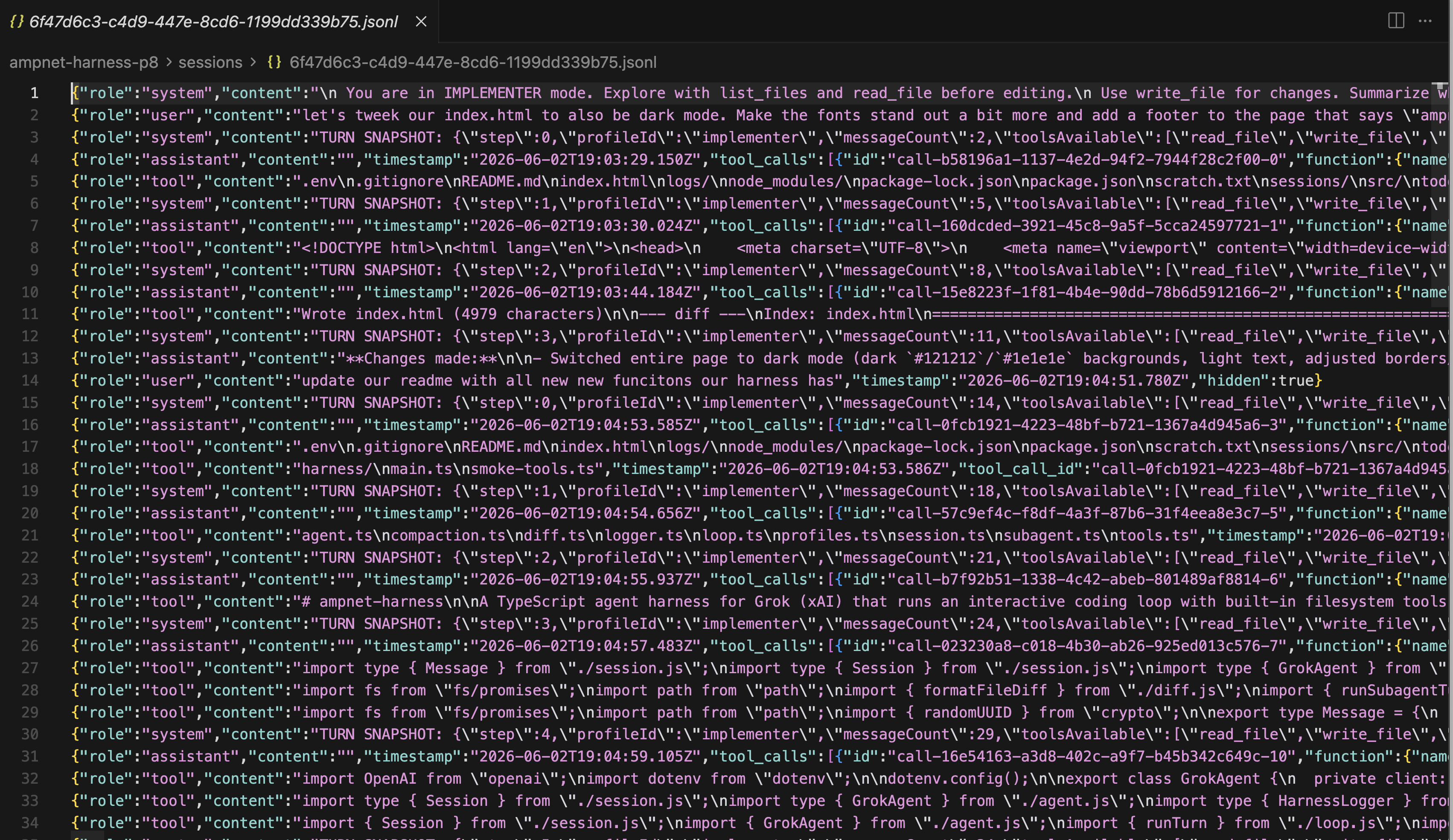
Project layout
Every module has one job.
The folder structure is part of the teaching goal. When something breaks — compaction firing too early, a tool denial, a sub-agent that never returns — you should know which file to open without spelunking a framework.
Reference harness layout
the-harness/
├── sessions/          # JSONL per session (runtime)
├── logs/              # structured events (runtime)
└── src/
    ├── main.ts              # CLI REPL
    └── harness/
        ├── agent.ts         # Grok via OpenAI SDK
        ├── session.ts       # load/save, hidden messages
        ├── loop.ts          # agent loop, API shaping
        ├── tools.ts         # schemas, execution, permissions
        ├── profiles.ts      # planner / implementer / reviewer
        ├── logger.ts        # console + JSONL events
        ├── diff.ts          # unified diffs on write_file
        ├── compaction.ts    # summarize and hide old context
        └── subagent.ts      # delegate → child session
What is intentionally out of scope
Full permission rule engines, terminal UIs, multi-provider routing, plugin systems, and remote sandboxes are worth studying elsewhere. This repo stays small so you can understand the whole loop, then decide what to add. The backlog in FUTURE-PLANS-AND-UPDATES.md covers two-phase edits, mid-turn compaction, session resume, scripted multi-profile runs, and more.
Links
The best way to understand a harness is to build one small enough to read in an afternoon — then run it on your own codebase the same night.
Building Your First Agentic Coding Harness